


Produce everyday documents efficiently and reliably.

Device-Level Document Security
One Device. More Capability. Less Complexity.
UBT helps organizations simplify office workflows with multifunction printers that bring print, copy, scan, and fax capabilities together in one device.
In many workplaces, multifunction printers are the operational hub for document-heavy tasks. The right MFP can support better productivity, stronger security, and a more efficient experience for users across departments.

Benefits of Managed Print Services
What Multifunction Printers Can Help You Do

Consolidate multiple functions into one device

Improve space and device efficiency

Support and digital workflows

Reduce the burden of managing multiple standalone devices

Improve document security and user access controls

Leading Software Platforms
Common Features and Benefits

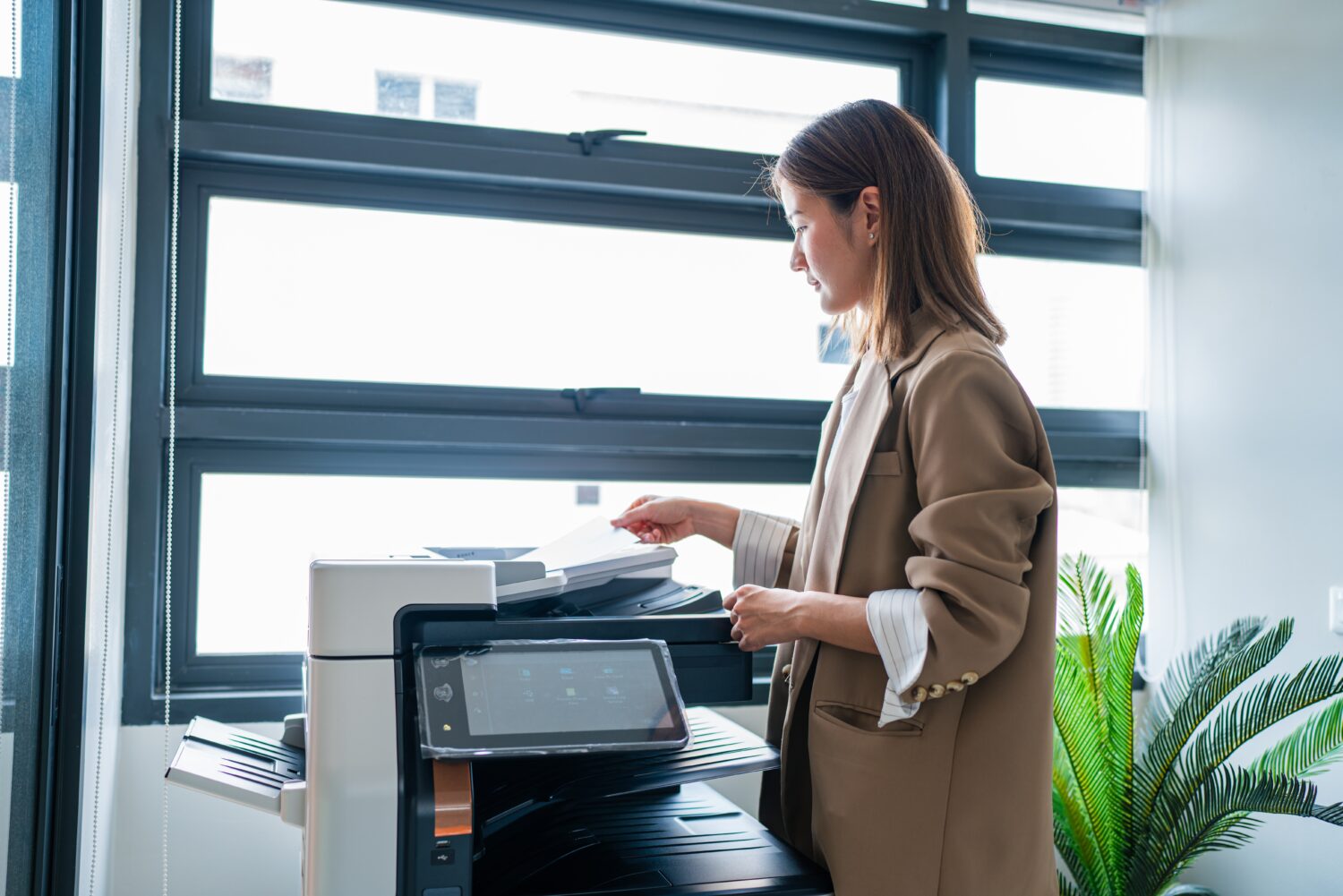

Copy
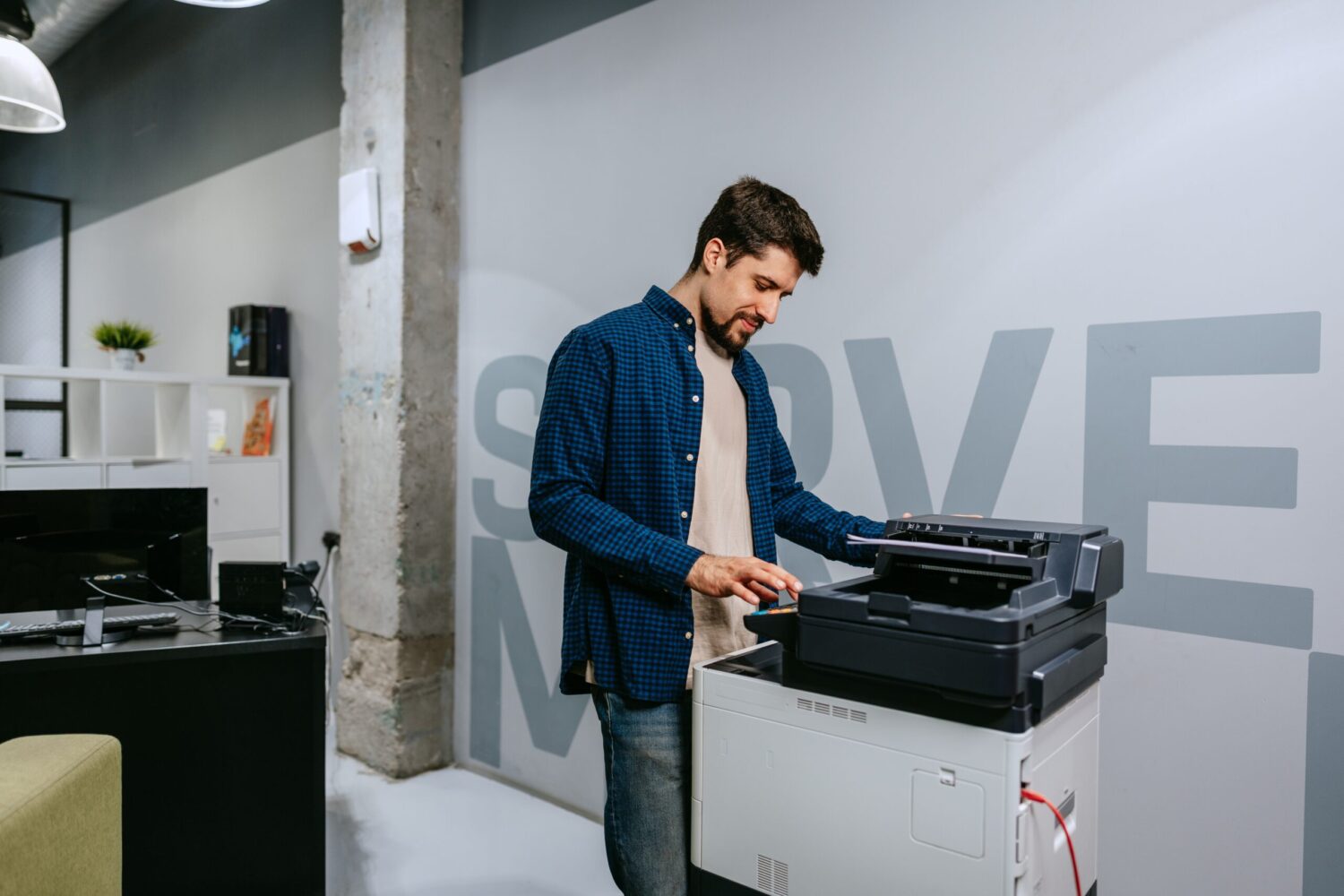
Copy
Support high-quality reproduction for internal use and distribution.

Scan
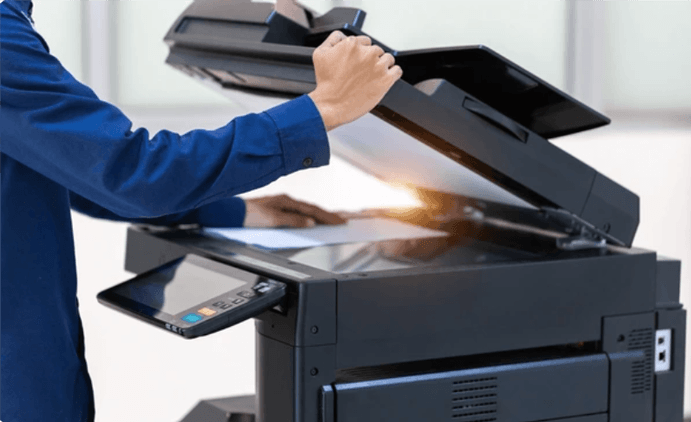
Scan
Move information into digital workflows more easily with flexible scan destinations and formats.

Fax
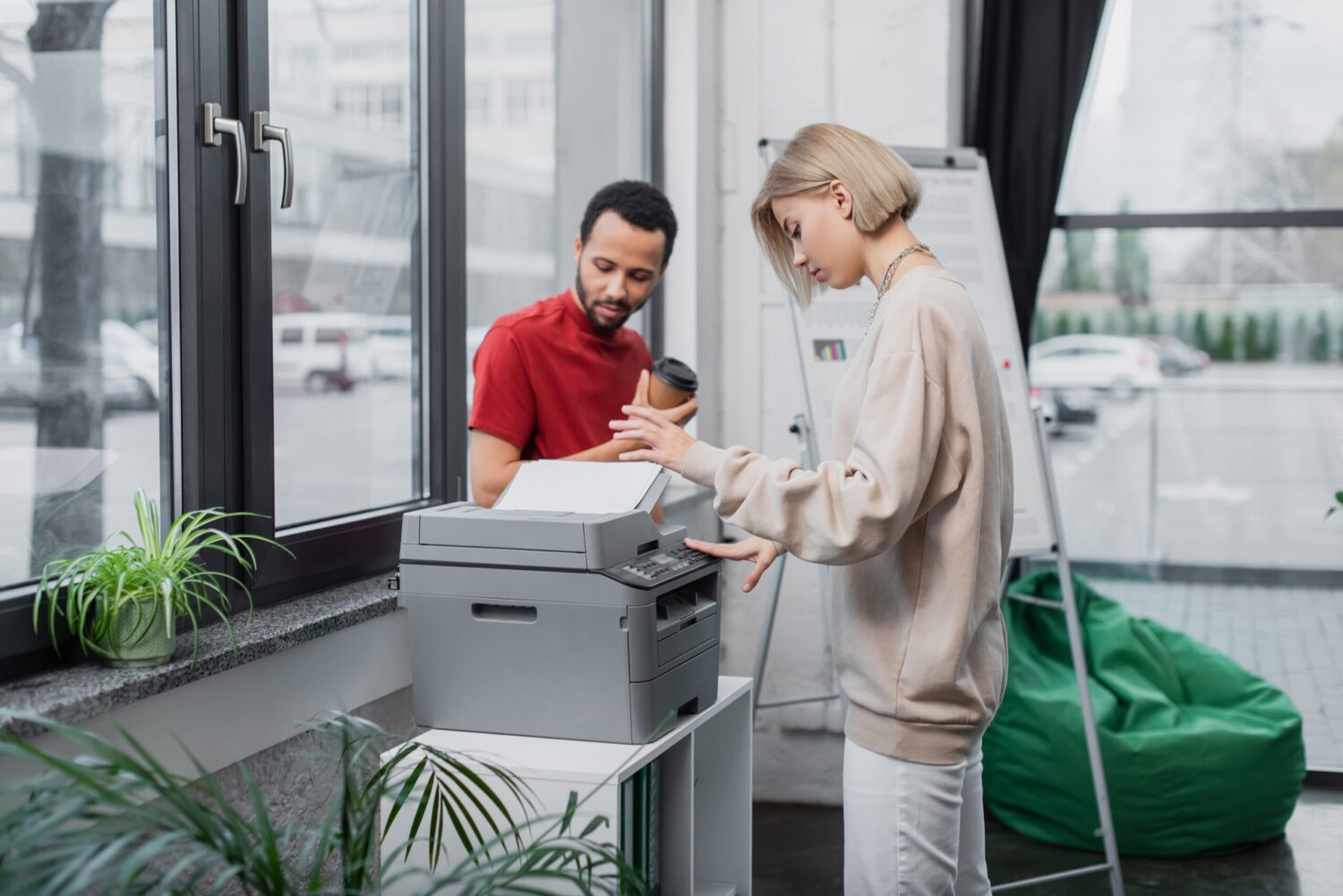
Fax
Maintain fax capability where it is still needed without relying on separate equipment.

Security Controls
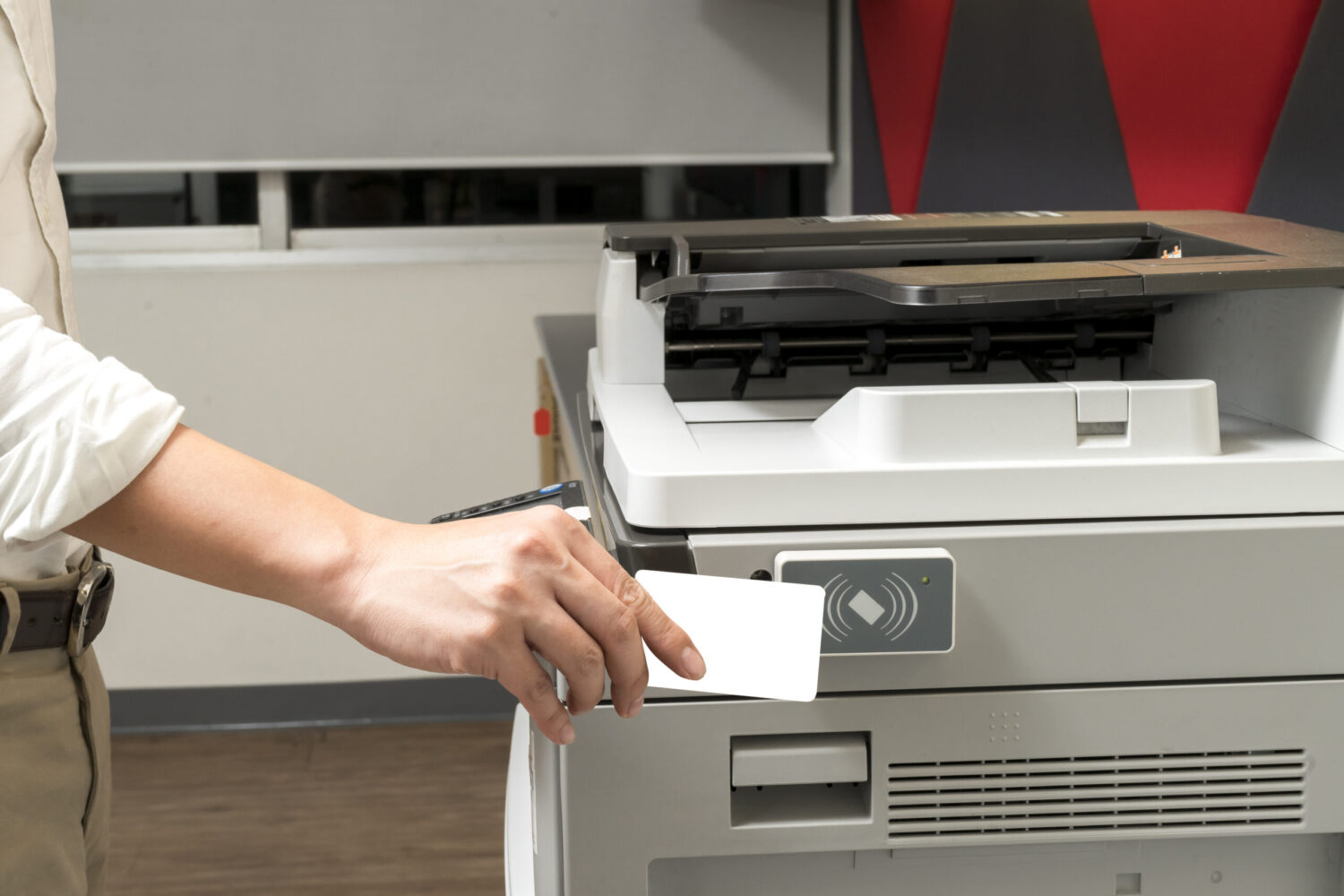
Security Controls
Support passcodes, badge release, and user permissions that help protect sensitive information. UBT highlights document security features such as passcodes, ID card release, and user-level controls on its current multifunction printer offering pages.

Leading Software Platforms
Who They Are Best For
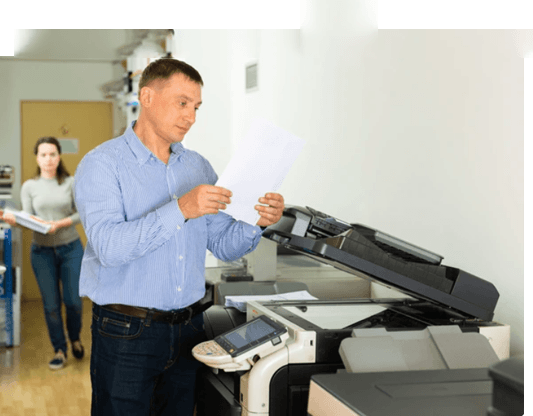
Shared office environments

Administrative teams

Education and nonprofit organizations

Legal and finance offices

Organizations looking to modernize document workflows

UBT's Way of Managing Print
Why UBT
UBT helps you choose multifunction printers based on real usage, workflow needs, output expectations, and user experience.
That means the recommendation fits your environment instead of forcing your teams to work around the wrong equipment.


Get Started Now
Looking for the right multifunction printer?
UBT can help you compare options and find the right fit for your users, output, and workflow needs.

Frequently Asked Questions
Multifunction Printers FAQs
What is a multifunction printer, and why would a business need one?
A multifunction printer combines printing, copying, and scanning into one device. That makes it a practical fit for offices that want fewer machines and better workflows.
Are multifunction printers better than having separate devices?
For many businesses, yes. One well-matched MFP is usually easier to manage than several separate machines doing different jobs.
What should I look for in a multifunction printer for my office?
Look for reliability, scan quality, speed, security features, paper capacity, and ease of use.
Do multifunction printers make sense for small offices?
Yes. A good multifunction printer can replace multiple devices and give a small office better efficiency without taking up extra space.
Can multifunction printers support secure print and scan workflows?
Yes. Many business-class multifunction printers can support secure release printing and more controlled scan workflows.
How do I know what size multifunction printer I need?
The right size depends on monthly print volume, number of users, scan demand, and whether your office needs color output.
Should I lease or buy a multifunction printer?
That depends on cash flow, support expectations, and how often you want access to newer equipment.
Can multifunction printers help with document workflows too?
Yes. Many document workflows begin at the multifunction device, especially when scanning and routing paperwork into digital systems.
Are multifunction printers secure enough for legal or finance offices?
They can be, especially when paired with authentication, secure release, and good device settings.
What is the biggest advantage of a multifunction printer?
The biggest advantage is efficiency. It gives your team more capabilities in one place while reducing device clutter.